
Student iCON email
Find out how to access your Student iCON email and reset your password if needed.
Last updated 11 June 2026
Student iCON email
Accessing Student iCON
Go to: https://icon.moe.edu.sg/
Click ‘here’
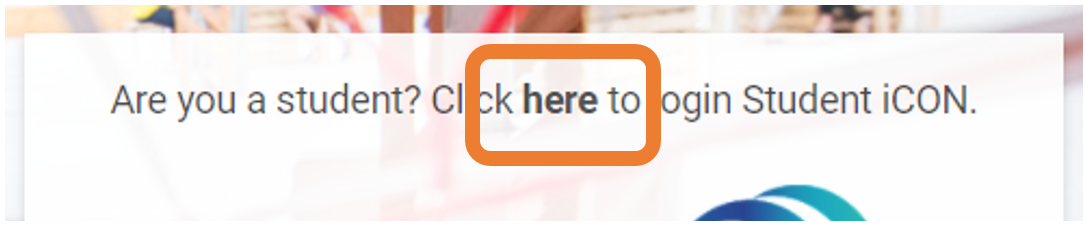
*please note that the student iCON emails end with students.edu.sg
The password for your student iCON is the same password as your windows login
Reset Password
You have been given a handout with your student iCON email address and password.
If you are locked out of your account please look for the Desktop Engineer at Digital trek (level 5) at the following hours to reset your password.
Operating Hours
Mon /Tues/Thur: 1415-1515
Wed: 1515-1615